
diados
Extension of the Day

diados

5.0 FREE
  • Screenshot 1

Description

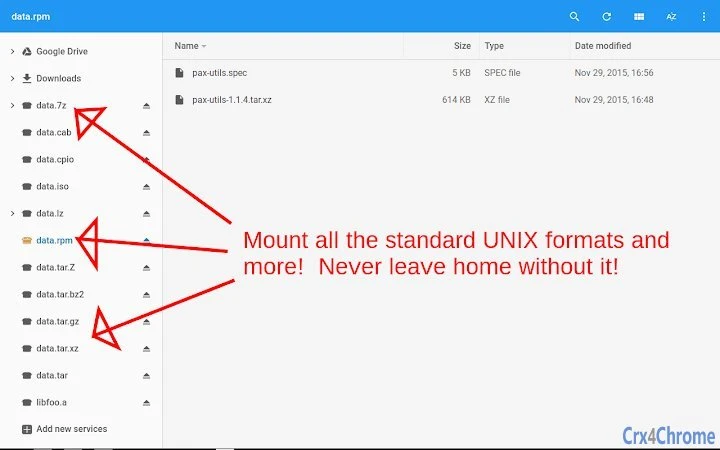
***For Chrome OS Only***Enable mounting of a variety of archive formats (and different compression schemes) in the Files.app just like the native ZIP/RAR support that exists today. Most notably, 7z & tarballs!Supported archive formats:7z ar cab cpio crx deb iso jar lha/lzh mtree pax rpm tar warcSupported compression formats:bz2/bzip/bzip2 gz/gzip lzma lz4 lzip lzo/lzop uu xz Z zstdPlease be aware that the extraction performance is not optimal with these "streaming" archive formats because of the design of the file format itself. There is little that can be done in the extension when the file itself does not include an index. Whenever you want to extract a file, the whole archive must be scanned. The larger the archive file (and the # of files in it), the slower things will be.Source code can be found here:https://github.com/vapier/chrome-ext-wicked-good-unarchiverhttps://chromium.googlesource.com/apps/unpacker/

Guides & Tutorials for Wicked Good Unarchiver App for Chrome

How to install Wicked Good Unarchiver App for Chrome
  1. Click the Preview / Download button above.
  2. Once redirected, accept the terms and click Install.
  3. Wait for the Wicked Good Unarchiver App for Chrome download to finish on your device.
How to use Wicked Good Unarchiver App for Chrome

This software is primarily used for its core features described above. Open the app after installation to explore its capabilities.

User Reviews for Wicked Good Unarchiver App for Chrome 0

    No reviews found

Similar Apps


